Paint by Numbers Guides
A Creovia beginner guide
How to Choose a Photo for a Custom Paint by Numbers Kit
Choose a clearer source photo for a custom paint by numbers kit, then compare crop, preview, size, color count, and frame choices.
A good custom paint by numbers project starts before anyone opens a paint pot. The source photograph determines the subject, the crop, and how much small detail the numbered canvas has to carry. A bright close-up may translate into a clear painting; a distant group shot asks the canvas to separate many faces and background objects at once. If you are choosing a photo as a gift, spend a few minutes on the image before choosing a frame or color count.
Pick one subject the canvas can hold
Look for an image with a clear visual center: one pet, one person, a couple, or a simple place. Creovia's Custom Paint by Numbers Kit From Your Photo currently names pets, families, couples, portraits, and travel photos as possible subjects. Those are starting categories, not a promise that every image in them will translate equally well.
If the person or animal is tiny in the original image, cropping can make the portrait larger but may remove important context. Try a different original photo when the crop leaves the subject soft or cuts off a face, paw, or landmark. A photo taken in even daylight with a visible outline gives the painter more to work with than a dark scene full of overlapping shadows.
Compare three photos, not three filters
Before uploading, set out two or three candidate images and view them at about the size of the intended canvas. One may have the nicest memory but the least usable composition. Another may be less dramatic yet give the main subject room to stand apart from the background. Choose the one you can still understand when it is made smaller.
A filter cannot recover a face that is out of focus or hidden. If a background is cluttered, see whether a crop makes the subject clearer without cutting away the story you want. If the picture is very dark, try an alternate frame from the same occasion. These choices matter more than chasing a perfect color match on a phone screen.

Use the preview as a decision tool
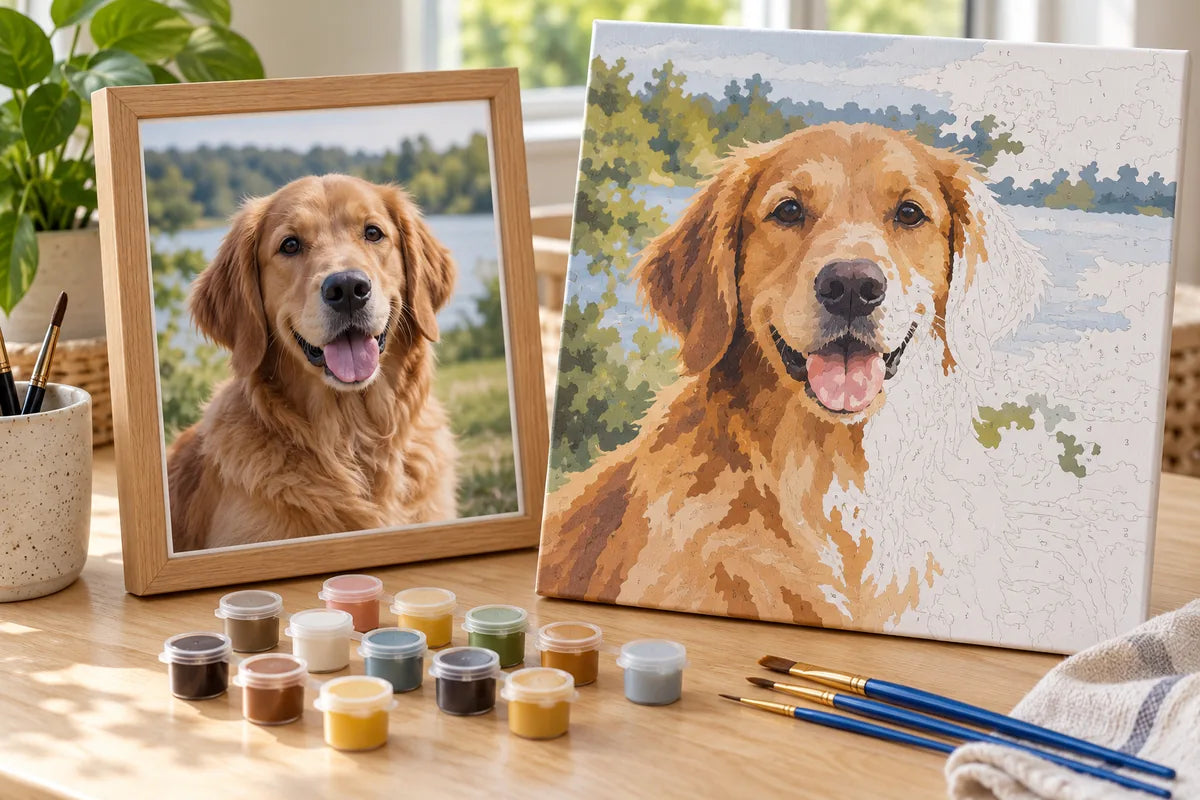
The current custom listing describes an automatic preview for composition and color placement. Inspect it with the same questions you used on the source photo: is the subject recognizable, are the important shapes separated, and does the chosen crop keep the meaningful details? A preview is useful for comparison, but it is not a proof of how every brushstroke will look.
The product page states that fine details and colors may vary when the photograph is translated into numbered art. That is a normal limitation of converting continuous photographic tones into discrete paint areas. If the preview loses the feature that made the photo special, change the image or composition before ordering instead of relying on extra colors to restore it.
Choose size for the number of subjects
Creovia currently lists 30 × 40 cm, 40 × 50 cm, and 50 × 60 cm options for this custom kit. A close single subject can be easier to place on a smaller canvas than a group of people with scenery behind them. A larger canvas gives complex images more room, but it also needs more work and display space. Ask where the recipient will paint and where the finished work might go.
Do not assume that “bigger” solves a poor original. A large canvas can make a soft photo larger without adding information. First pick a clear image; then use size to give the subject appropriate room. If you are unsure, compare the live preview at more than one option and read the current product guidance.
Pick a color count the painter wants to use
The product currently offers 24, 36, and 48 color options. More colors can preserve more variation, but they also create more paint pots and decisions while working. A painter who likes subtle transitions may welcome that. Someone making a first numbered canvas may prefer a simpler palette and broader areas. Neither number is inherently better for every photo.
Look at the preview and the recipient's habits. Does the image depend on delicate changes in fur, skin, sky, or flowers? Or does it read well from a few strong shapes and colors? Our paint by numbers color-count guide
Check frame style and supplied materials
Creovia's current listing offers No Frame, DIY Frame, and Framed styles. It describes a numbered canvas, pre-mixed acrylic paints, and artist brushes. Choose the format based on whether the recipient wants to set up the canvas themselves and how they hope to display the finished piece. The frame-options guide helps compare the setup.
If the gift is a surprise, use a photo you are allowed to upload and that the recipient would enjoy painting. For a family image, consider whether everyone pictured would be comfortable with it becoming a craft project. If the person would rather choose the photo themselves, give them that decision instead of guessing. You can still make the gift personal by sharing why you thought the project would suit them.

Before checkout, revisit the current custom paint by numbers product page for the exact options and preview. If the recipient is new to the craft, the beginner's first-session guide explains what happens after the kit arrives.
Frequently asked questions
What kind of photo works best for custom paint by numbers?
Start with a bright, clear image where the main subject is close to the camera and easy to separate from the background. Check the automatic preview before choosing a size and color count.
Can I use a pet or family photo?
Yes. Creovia's current custom paint by numbers product describes pet, family, couple, portrait, and travel photos as possible subjects. Make sure the people whose images you use are comfortable with the project.
Does more paint color always make the custom picture better?
Not automatically. Creovia currently offers 24, 36, and 48 color options; higher color counts can preserve more variation, but photo quality, crop, subject size, and painter preference still matter.
What sizes are available for Creovia custom paint by numbers?
The current product options list 30 × 40 cm, 40 × 50 cm, and 50 × 60 cm. Check the selected variant on the live product page because options can change.
Will the finished painting look exactly like my photograph?
No exact match is promised. The current Creovia listing says the automatic preview guides composition and color placement, and fine details and colors may vary when a photo becomes numbered artwork.
Find your next project
Explore paint by numbers kits.
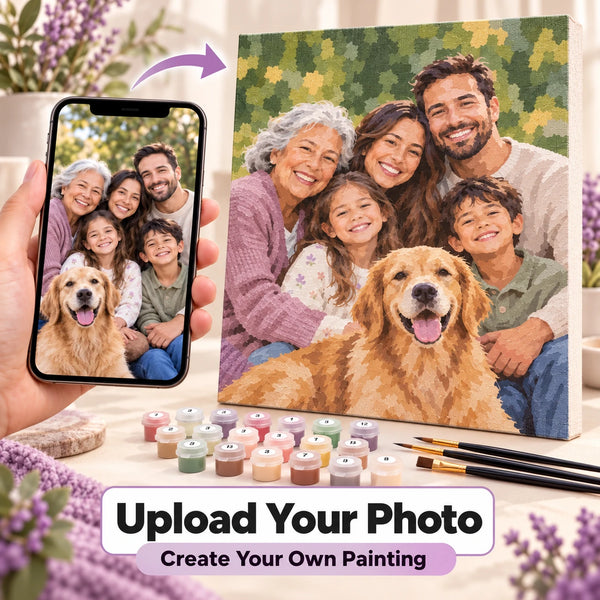
Custom Paint by Numbers Kit From Your Photo
$34.99
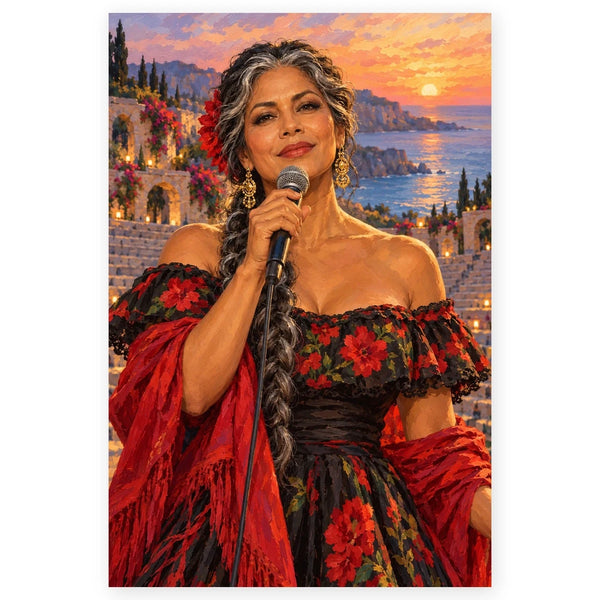
Singer at a Coastal Amphitheater Paint by Numbers Kit
$29.99
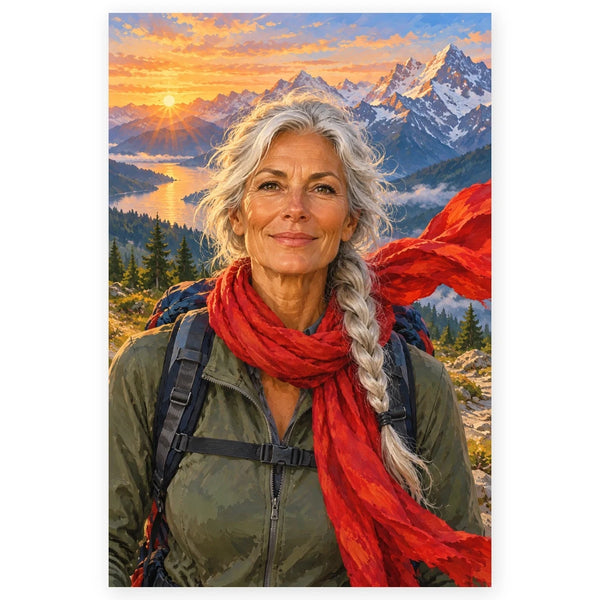
Woman Hiker in a Red Scarf Paint by Numbers Kit
$29.99
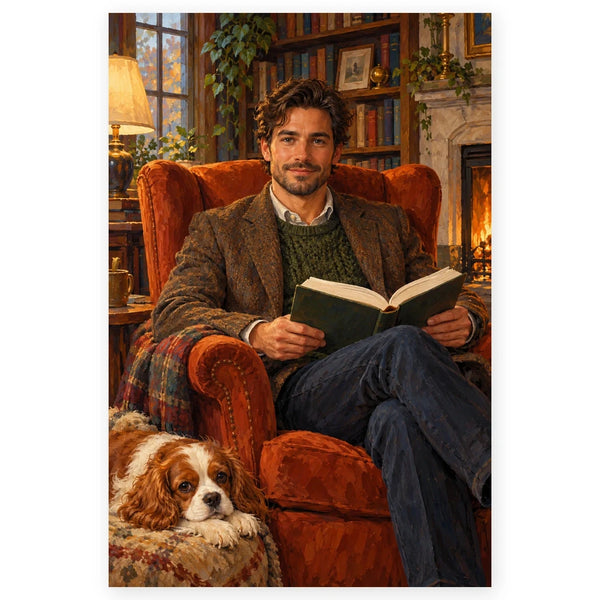
Man Reading in an Armchair with a Spaniel Paint by Numbers Kit
$29.99
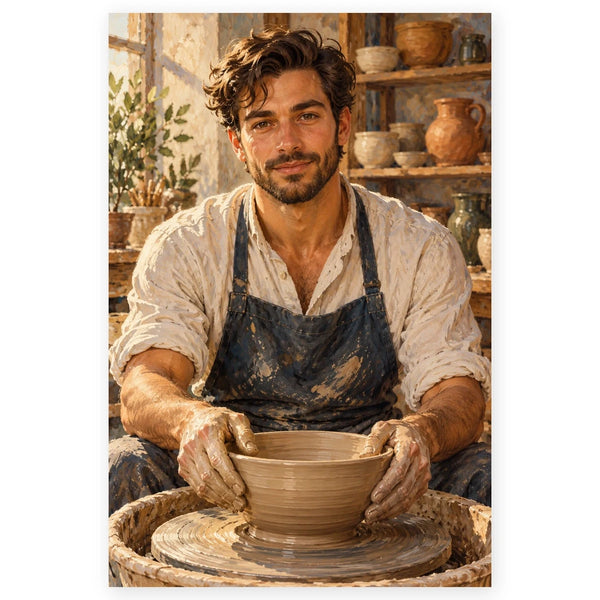
Potter Shaping a Bowl in a Studio Paint by Numbers Kit
$29.99
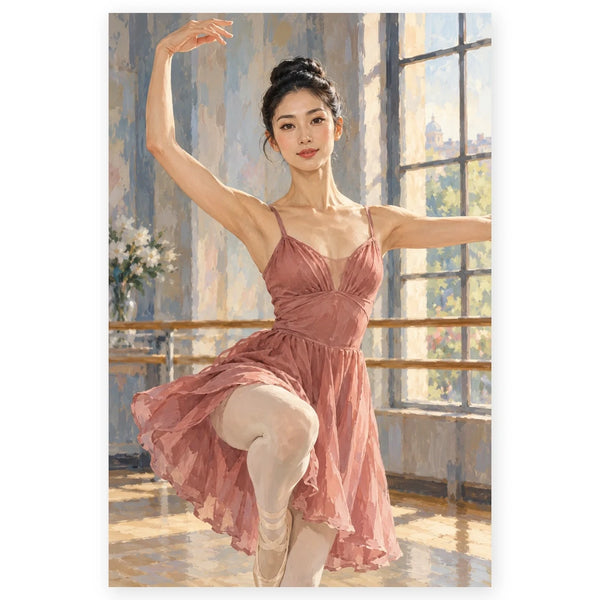
Ballerina Practicing in a Studio Paint by Numbers Kit
$29.99
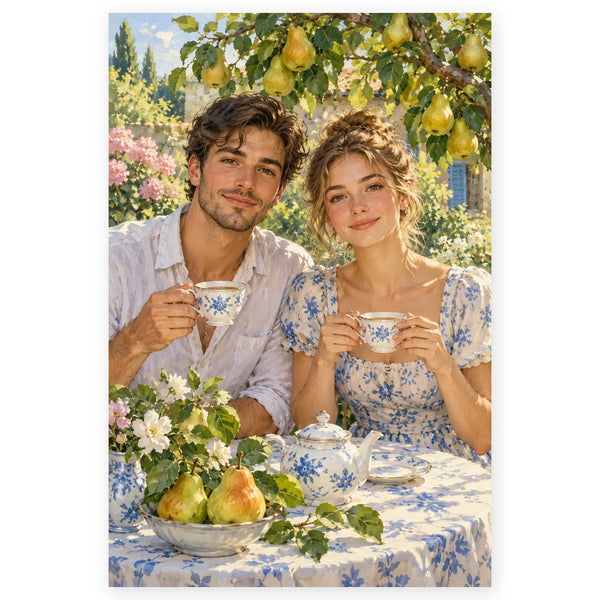
Pear Tree Garden Tea Portrait Paint by Numbers Kit
$29.99