Paint by Numbers Guides
A Creovia beginner guide
How Long Does Paint by Numbers Take? How to Estimate Your Own Time
Estimate your paint by numbers time with a short sample session, then adjust for canvas detail, color changes, and the pace that works for you.
How Long Does Paint by Numbers Take? Estimate Your Own Project Time
There is no dependable number of hours that fits every paint-by-numbers canvas. The finished size, the amount of small detail, how you like to work, and how often you switch colors all affect the time. A short sample session on your own canvas gives you a more useful estimate than a generic range.

Separate painting time from calendar time
When someone asks how long a paint-by-numbers project takes, they may mean two different things: the hours spent actively painting, or the days and weeks from opening the kit to finishing the last section. Keep those measures separate. A canvas may take several short sessions, while drying, breaks, and time away from the table stretch the calendar without adding active brush time.
For your own planning, write down the time you actually paint. Do not count a meal break or an evening when the canvas stays untouched. If you stop while a section dries, record that as a pause rather than painting time. The distinction makes it easier to decide whether the project fits your week without turning a hobby into a deadline.
Estimate your pace with a representative sample
Start with a section that looks typical of the canvas. Avoid choosing only the largest open area or the most intricate corner. Set a timer for a manageable session, such as 20 or 30 minutes, and paint as you normally would. Include the routine actions that happen during a real session: checking the number key, changing colors, rinsing or wiping a brush if the kit instructions call for it, and taking a brief pause.
At the end, note what you completed. You can describe the section in a notebook or take a progress photo; there is no need to draw lines on the canvas. If the first sample was unusually simple or unusually dense, choose another representative area in a later session. A second sample helps prevent one easy patch from making the whole project look faster than it is.

Keep the notes simple but specific: session length, the part you worked on, and anything that slowed you down. A cluster of tiny shapes may need more careful brushwork than a broad background, and a section with several colors can include more setup and cleanup. If you normally paint in the evening or need to pause often, use that ordinary routine for the sample. The goal is to measure your real process, not an ideal uninterrupted session.
Turn the sample into a working estimate
Divide the artwork into a few broad areas in your notes, then compare each area with the sample. A large patch with broad shapes may take less time than a similar-sized area filled with narrow outlines or many small spaces. Estimate those areas separately instead of assuming every part of the canvas moves at the same pace.
For example, if a 30-minute sample covers about one tenth of a section that seems representative, you might use roughly five active hours for ten similar sections. That is only a planning calculation, not a completion promise. Add time for denser areas and color changes, and revise the estimate after another session if your actual pace differs. The useful result is a range based on your own work, not a precise finish date.
Use the same notes to plan sessions. If your estimate suggests several hours remain, divide that time into the number of sessions that feels comfortable. A shorter session still counts as progress. You can learn more about preparing for a first session in our paint-by-numbers beginner guide.
What changes the pace?
Canvas size and the shapes inside it
A larger image usually gives you more area to cover, but dimensions alone do not explain the whole job. A design with broad, simple regions can move differently from one with many small outlines, even at a similar finished size. Look at the full artwork and close-up views when available, not just the color count.
Color changes and working style
Painting one color across several areas can reduce the number of switches, while finishing one small area at a time may feel easier to follow. Either approach can work. Keep the key visible, close paint pots when you are finished with them, and follow the specific kit directions for brush care and drying. Switching less often does not guarantee a shorter total; choose a rhythm that helps you stay accurate.
Color count is only one clue
A higher number of colors may mean more paint pots or transitions, but it does not tell you how many small spaces the design contains or how quickly you will paint them. The same product listing can offer several color-count options; those options should not be treated as a time rating. Our guide to 24, 36, and 48 color options explains what color count can and cannot tell you.
Plan a flexible finish, not a deadline
Pick a session length that leaves you comfortable enough to keep your hand steady. Stop when you need a break, close the paint pots, and protect the work surface. If you return later, note where you paused and which color you were using. The paint-pot storage guide covers simple between-session care.
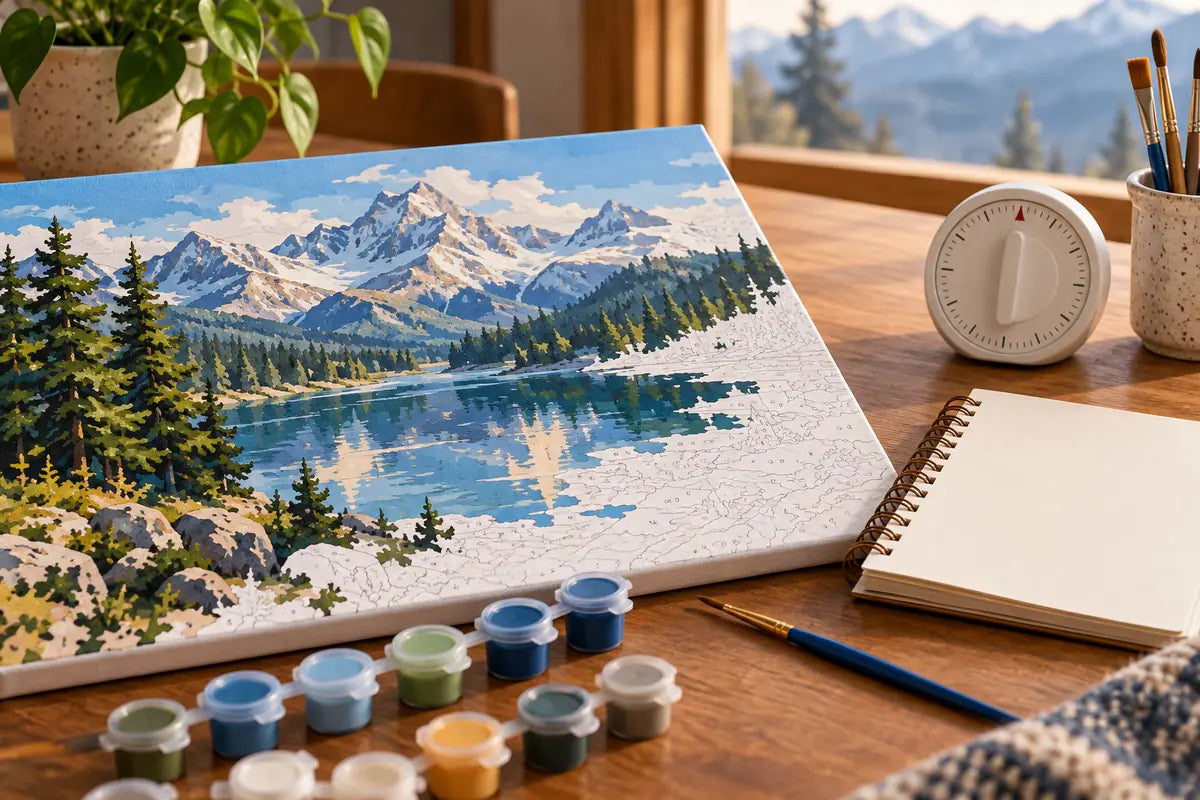
Before choosing a design, check its actual listing for dimensions, available color options, frame choices, and current kit details. For example, the active Snowy Mountain River Paint by Numbers Kit offers multiple color-count and frame variants; the product page is the place to confirm the current options. You can also browse the Paint by Numbers collection and compare each listing. No listing can tell you exactly how quickly you will paint, so use your first session to set a pace that suits you.
Frequently asked questions
How long does a paint-by-numbers project take?
It varies with canvas size, section detail, color changes, and your pace. Time a representative sample area to make a personal estimate instead of relying on a universal hour count.
How can I estimate my own paint-by-numbers time?
Paint a typical section during a timed session, note what you completed, and compare the remaining areas with that sample. Add time for sections that have noticeably more small details or color changes.
Does a higher paint-by-numbers color count always take longer?
Not necessarily. Color count can affect how often you change pots, but it does not show the size or density of every painted area or your personal pace.
Should I include drying time in my painting estimate?
Track active brush time separately from calendar time. Drying and breaks can add time between sessions even when you are not actively painting.
Can I finish a paint-by-numbers canvas in one weekend?
That depends on the artwork and how much time you want to spend. Use your sample pace to decide whether a weekend plan feels realistic, and follow the kit directions for pauses and drying.
Find your next project
Explore paint by numbers kits.
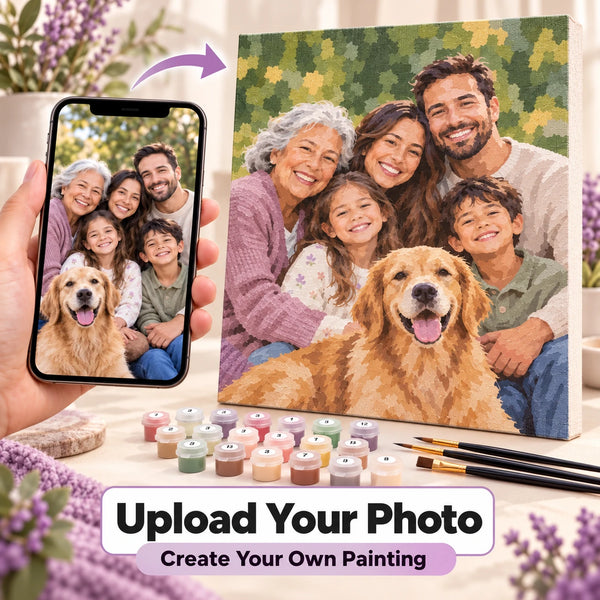
Custom Paint by Numbers Kit From Your Photo
$34.99

Singer at a Coastal Amphitheater Paint by Numbers Kit
$29.99
Woman Hiker in a Red Scarf Paint by Numbers Kit
$29.99

Man Reading in an Armchair with a Spaniel Paint by Numbers Kit
$29.99
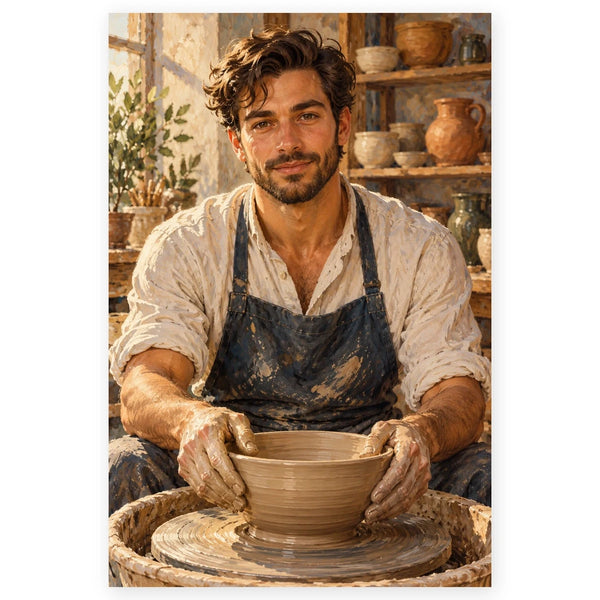
Potter Shaping a Bowl in a Studio Paint by Numbers Kit
$29.99
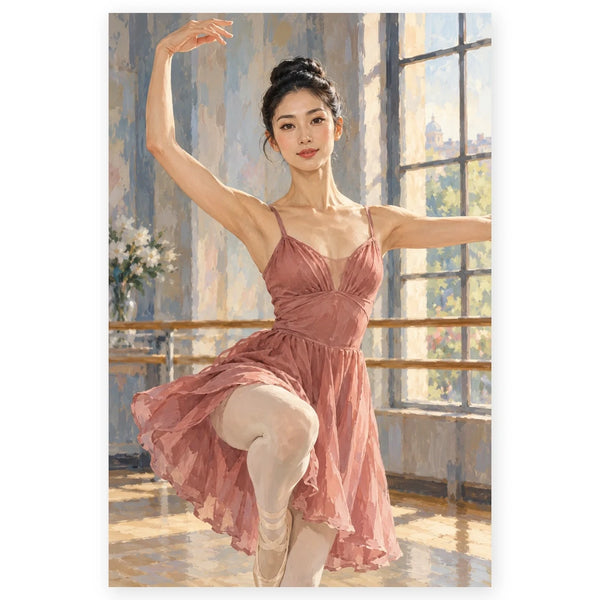
Ballerina Practicing in a Studio Paint by Numbers Kit
$29.99
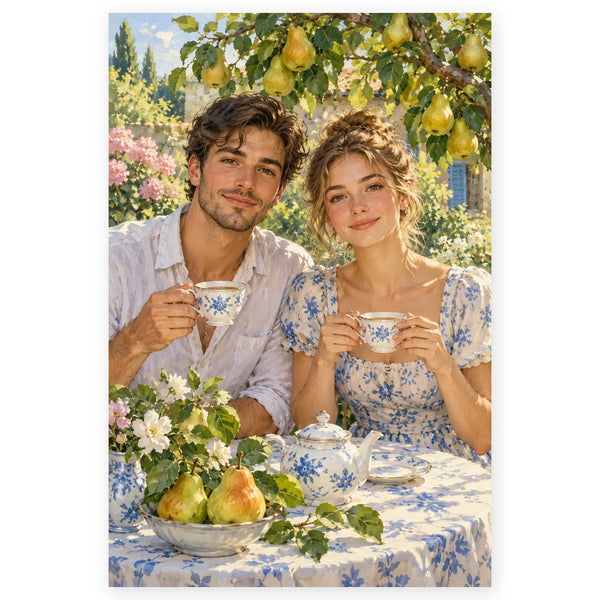
Pear Tree Garden Tea Portrait Paint by Numbers Kit
$29.99