
Paint by Numbers Guides

A Creovia beginner guide
Paint by Numbers Number Remover Marker Not Writing? What to Check
Troubleshoot a number remover marker safely, test it away from the canvas, and know when to contact the seller.
If your paint by numbers number remover marker will not make a mark, stop before pressing it into the canvas. Check the instructions for that marker, inspect the nib and cap, and test it gently on a separate surface. If it still does not work, contact the seller with the product and order details.

Check the marker and its instructions
Make sure the cap is removed and examine the tip in good light. If the nib is visibly damaged, loose, contaminated with another color, or shedding fibers, stop rather than rubbing it on the numbered canvas. Check the packaging or seller's instructions for the preparation and storage steps specific to that marker.
Not every marker has the same mechanism. Do not assume that shaking, pumping the nib, soaking it, or taking the barrel apart is appropriate unless the manufacturer says so. The current listing for Creovia's Number Remover Marker describes a white fine-tip acrylic marker, but does not specify a universal priming procedure.

Test away from the numbered area
Following the product directions, try a light mark on a separate surface suitable for your marker. Avoid digging the tip into the paper or fabric. If no mark appears, close the cap and check the instructions again rather than repeatedly pressing harder.
If the marker works on the test surface, try it on spare canvas material or a discreet area first. Let the test dry as directed and see whether it changes the surface or makes the outline hard to read. A white base can alter the look of a translucent color, so check the result after the assigned paint dries.
Keep the printed guide readable
A number remover marker is intended to lightly cover the numeral before the assigned paint is applied; the boundaries still need to guide the brush. Work on a small area at a time and keep a reference photo of your own numbered canvas. Our guide to covering printed numbers explains when the step may help.
Check the exact kit and marker instructions before combining materials. Do not add water, oil, solvents, or other products to a marker unless its maker explicitly directs it. If the nib or canvas is damaged, stop and seek product-specific advice.
When to contact the seller
If the marker still makes no mark when used as directed, provide the product name, order information, a clear photo of the nib, and the steps you tried. If it worked on paper but not on your canvas, mention the surface and show the test area. The seller can advise on the specific product; replacement or other remedies depend on the applicable policy.
Frequently asked questions
Should I press the marker harder when it will not write?
No. Heavy pressure can damage a fine nib or the canvas. Follow the marker's instructions and test gently on a separate surface.
Can I add water or solvent to the marker?
Do not add anything unless the manufacturer explicitly instructs you to do so. Ask the seller if the marker does not work as directed.
Can I test the marker directly over a canvas number?
Test on a separate suitable surface first, then on a discreet canvas area or spare material as directed. Keep the numbered outline visible.
What if the marker still will not make a mark?
Close the cap and contact the seller with the product and order details, a photo of the nib, and a description of the steps you tried.
Explore this topic
A kit to explore
Compare the current artwork and options on each product page before choosing.

Number Remover Marker for Paint by Numbers
$9.99
Get a cleaner, more professional finish on every paint-by-numbers project. This white fine-tip acrylic marker lightly covers printed canvas numbers before you paint, helping prevent dark numbers from showing through...
Find your next project
Explore paint by numbers kits.

Custom Paint by Numbers Kit From Your Photo
$34.99

Bunny Tea Party Paint by Numbers Kit
$29.99

Moonlit Ocean Serenity Paint by Numbers Kit
$29.99

Tall Sailing Ship Golden Sunset Paint by Numbers Kit
$29.99

Herb Bundles in a Spell Kitchen Paint by Numbers Kit
$29.99
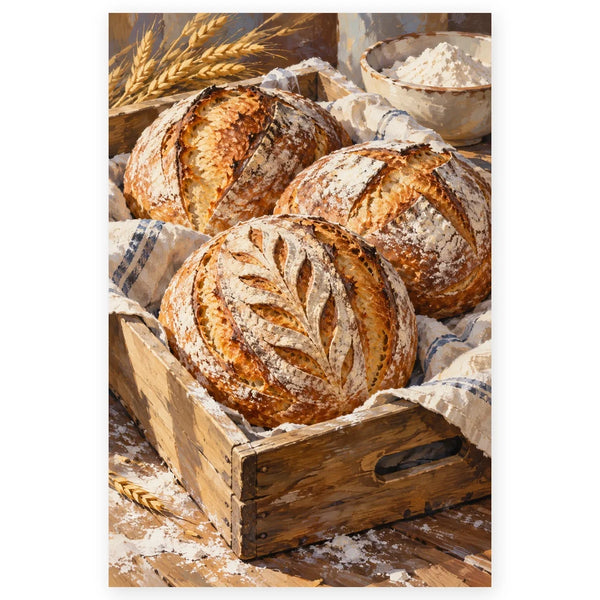
Sourdough Loaves Bakery Crate Paint by Numbers Kit
$29.99

Wood Fired Oven Sourdough Bread Paint by Numbers Kit
$29.99
