Diamond Painting Guides

A Creovia beginner guide
Custom Diamond Painting Photo Won’t Upload? A Simple Checklist
Check the file format, size, connection and preview when a custom diamond painting photo will not upload.
If your photo will not upload for a custom diamond painting, start with the file itself: check its format, size and whether it opens on your device. Then retry on a stable connection and check the crop before ordering.

1. Check the file type and size
The current custom diamond painting kit description accepts JPG and PNG files up to 20 MB. If your phone saved a HEIC image, export a copy as JPEG or PNG; changing the filename extension alone does not convert it. Keep the original untouched.
On a Mac, Preview can export a JPEG or PNG copy; see Apple's conversion instructions. Check the exported file size and open it before trying again. If the copy is too large, reduce its dimensions or JPEG quality moderately, then inspect faces and other important details rather than compressing repeatedly.
2. Make sure the photo is available on your device
Open the image locally before selecting it. If it is stored in a cloud library, allow it to finish downloading to your device. Try a copy saved in an easy-to-find folder. Choose a photo you have permission to use and avoid sending private images through an unfamiliar service just to change their format.
3. Retry and isolate the problem
If the selector does not open, the upload stalls, or the page displays an error, note the exact message. Refresh the product page and try again on a stable connection. You can also try another browser or device, or a different small JPG that you have permission to use. These checks help distinguish a problem with one file from a browser or connection issue; they do not identify every possible cause.

4. Review the preview before checkout
A successful upload is only the first step. Check the crop and orientation so faces, ears and meaningful details stay inside the frame. The kit offers several canvas sizes and round or square drills. Its listing explains that the automatic preview shows general composition and that fine details and colors can differ in the finished design.
If it still fails, contact Creovia support with the error message, browser and device, image format, approximate file size, and when the failure occurs. Do not assume an order was placed if you have not completed checkout. For choosing a suitable image, read how to choose a photo for custom diamond painting.
Frequently asked questions
What photo formats does the custom diamond painting page accept?
The current product description lists JPG and PNG files up to 20 MB. Check the listing again before ordering.
Can I upload a HEIC phone photo?
Export a copy as JPEG or PNG first, then check that the exported file is under the stated limit and still looks clear.
What if the photo uploads but the preview looks wrong?
Check the crop and orientation, and make sure the important parts of the image remain visible. The preview indicates composition rather than guaranteeing every fine detail.
What information should I give support if an upload keeps failing?
Share the error message, your device and browser, file format and approximate size, and the point at which the problem happens. Avoid sending a personal photo until you are comfortable with the support channel.
Find your next project
Explore diamond painting kits.

Colorful Village Street Diamond Painting Kit
$23.99
Tropical Hibiscus Queen Diamond Painting Kit
$23.99
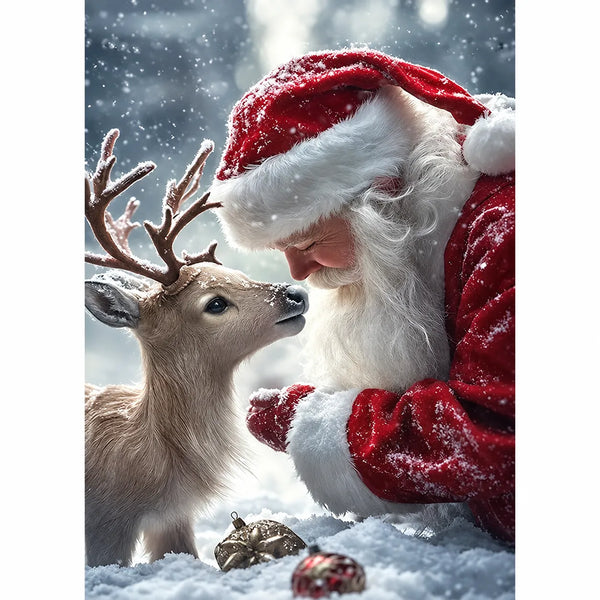
Kit de pintura de diamantes Cabaña navideña acogedora
$23.99

Little Bookshop Garden Diamond Painting Kit
$23.99
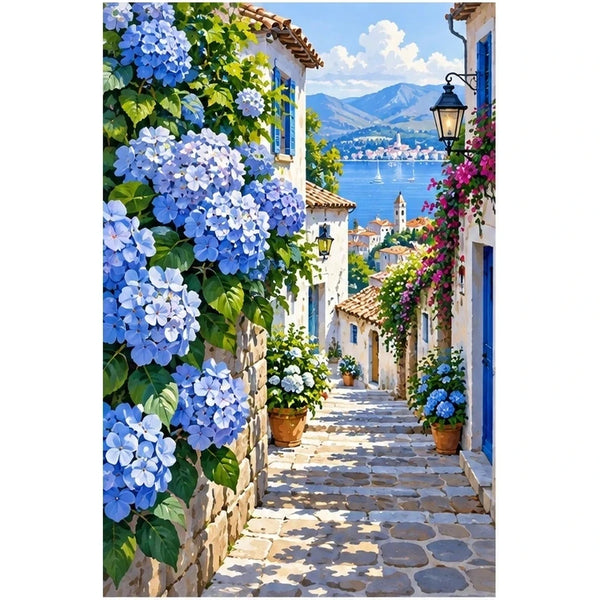
Blue Hydrangea Village Diamond Painting Kit
$23.99

Tropical Macaw Hibiscus Diamond Painting Kit
$23.99

Jeweled Peacock Queen Diamond Painting Kit
$23.99